Runs and run comparison (v1.21.0+)
A project made from a pipeline can hold several runs of it. The project's Runs tab says what each run produced and what each scan changed, and Compare opens a dashboard with what one run changed marked.
| Needs | For |
|---|---|
| A project made from a pipeline run | The Runs tab |
| Owner or editor role | Attaching a run, refreshing data |
DEPICTIO_DASHBOARD_VERSIONS_CHANGES_SINCE_ENABLED=true |
Compare, the dot on new runs, the marked new rows, the dashboard history in Activity. See "What's new" |
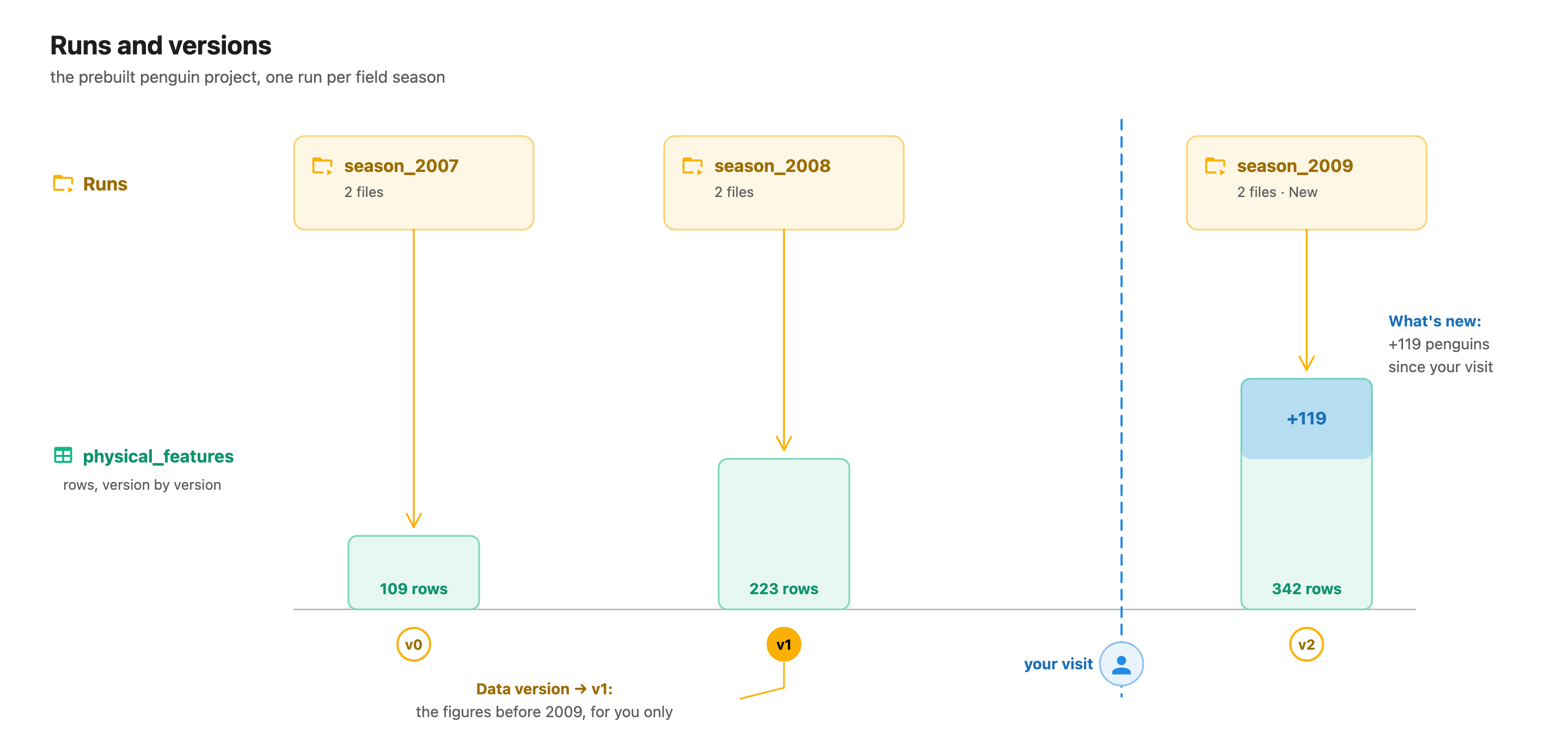
Runs and versions on the Penguins Versioned Demo project, one run per field season:
Attach a run
On the project page, Add data on the folder of another run of the same pipeline reads Add run: Depictio recognises it as a run. See Remote data and manifests.
Duplicate samples. If the run's MultiQC reports name samples the project already holds, the dialog lists them and holds the run back until you resolve them.
Every Delta row carries the run that wrote it, in depictio_run_id: that is how Depictio tells runs apart.
The Runs tab
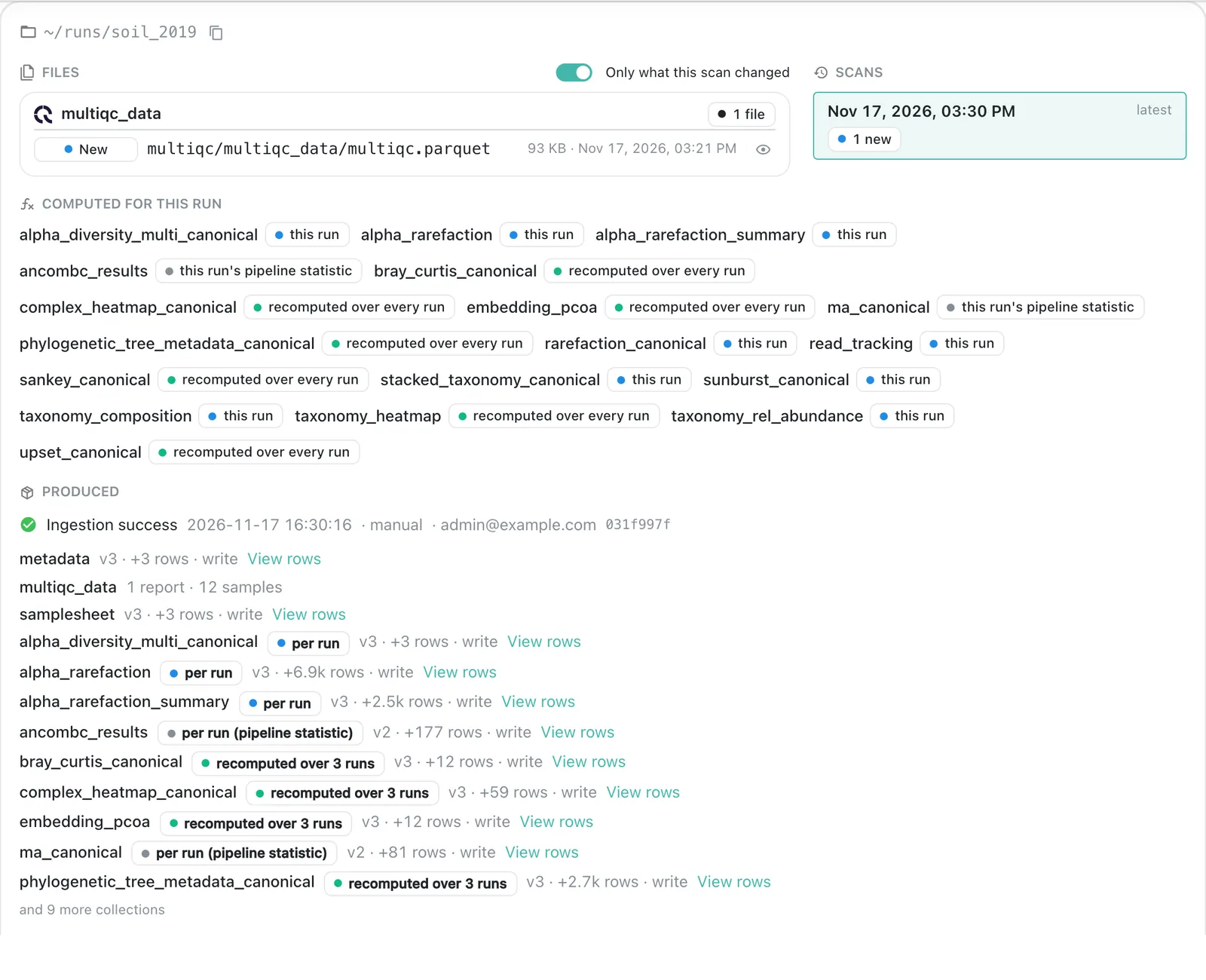
One row per run, new runs marked with a dot. Unfold a run to see its folder, its files and its scans. A run's files are read only once you unfold it. Two workflows of a project that share a run tag keep their files and scans apart (v1.22.0+).


Produced
The Produced block of a run lists its ingestions, the Delta commits it wrote and its MultiQC reports. Each Delta commit has View rows, which opens that collection's Data table with the run's rows on top (see New rows in the Data table).
Scans and file statuses
Pick a scan under Scans. Each file then says what that scan did to it:
| Status | Meaning |
|---|---|
| New | This scan brought the file |
| Changed | This scan found the file changed and read it again |
| Failed | This scan could not read the file |
| Unchanged | Brought by an earlier scan, not changed since |
A changed file shows its size and date before and after. A MultiQC report also lists the samples and modules it gained or lost. Only what this scan changed hides the rest.


Compare a dashboard with a run
Compare on a run opens a dashboard with what that run changed marked. With one dashboard, its tooltip names it; with several, a menu lists them under What this ingestion changed in.
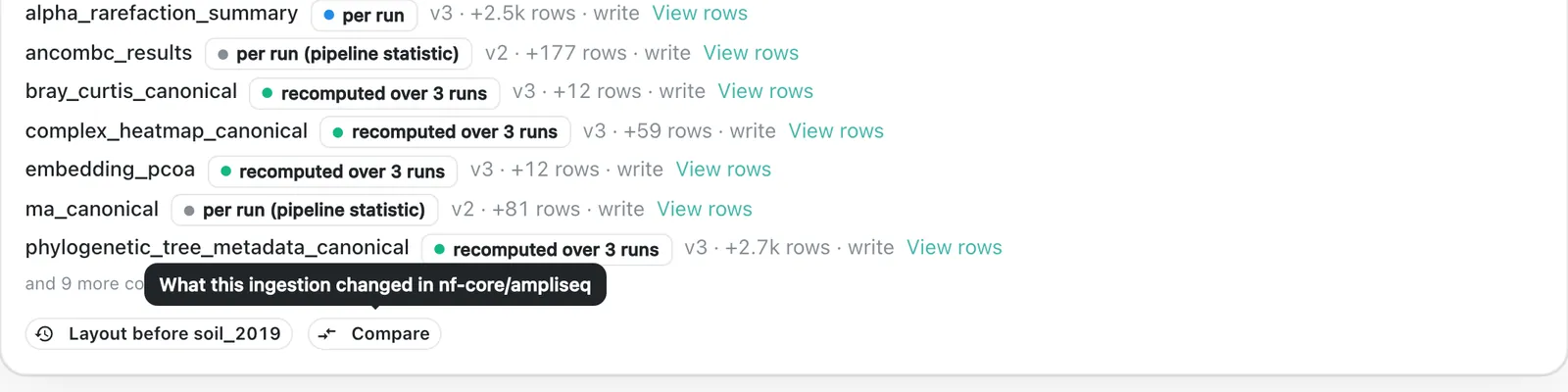
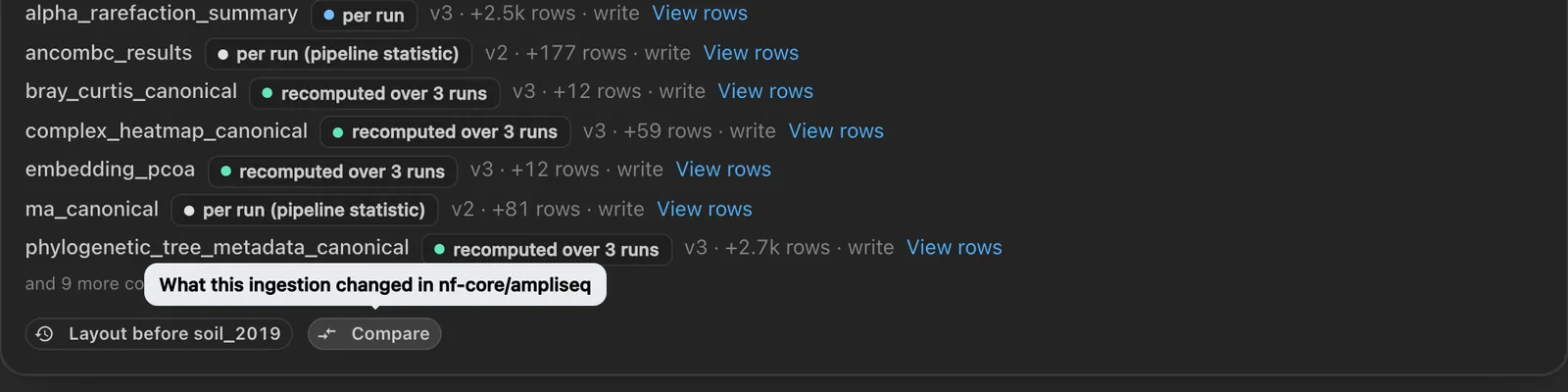
The dashboard opens read-only at ?before_run=<run id>. Its header key reads This ingestion, and each changed tile's Before | Now draws the data just before the run beside the data now. This view never moves your own "What's new" mark.
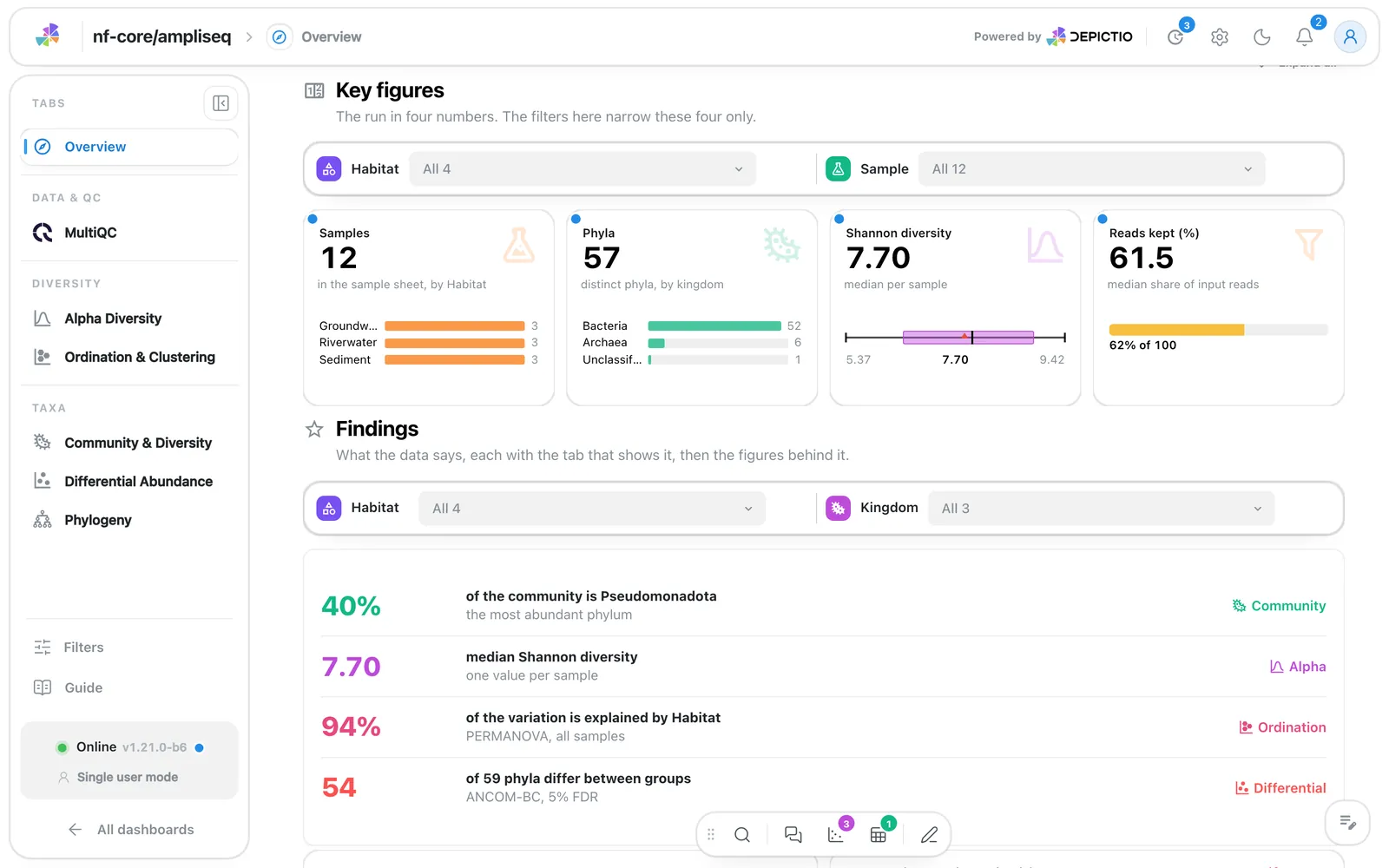
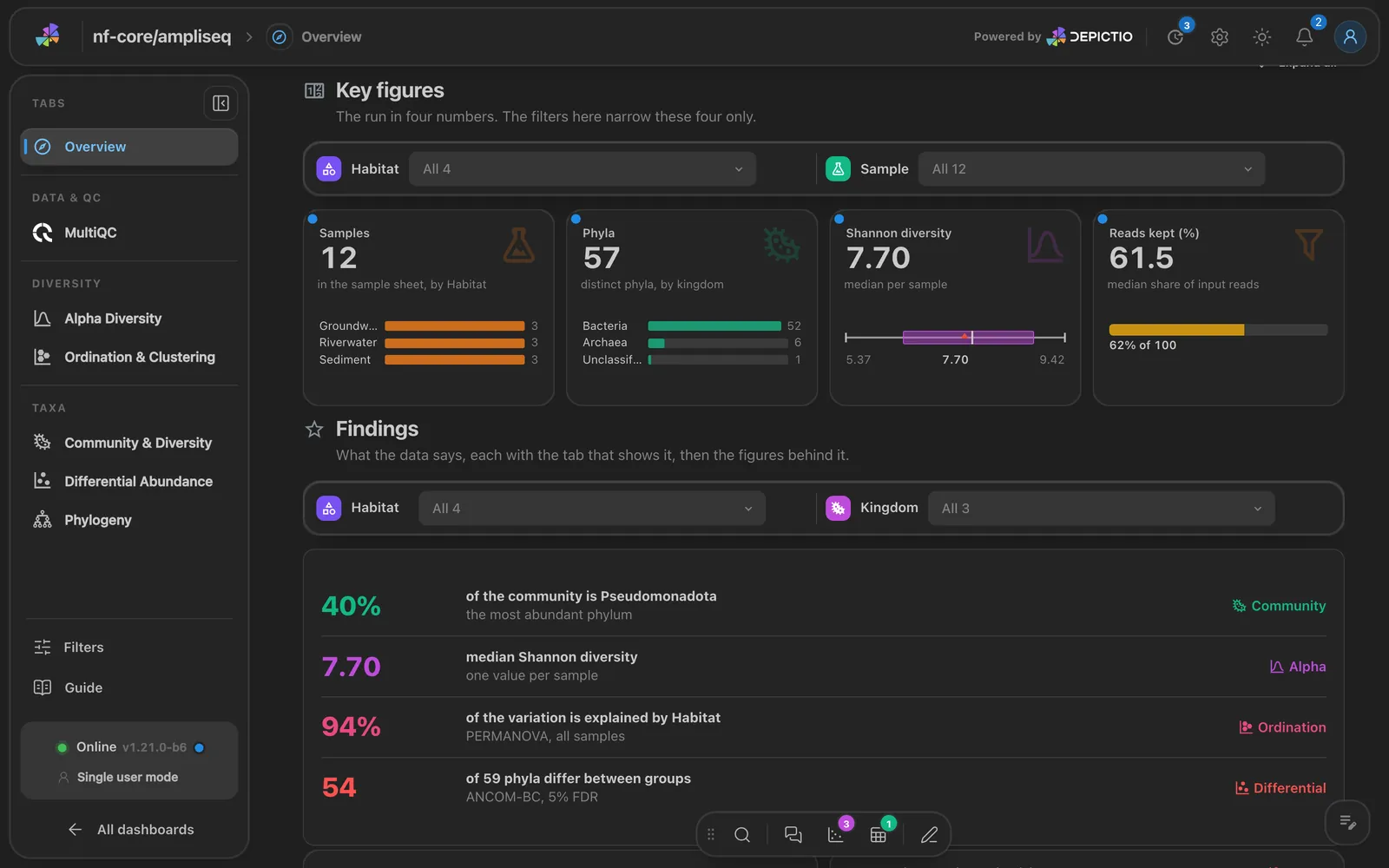
Layout before <run> opens each dashboard's definition as it last was before the run (a ?version= preview). It shows the layout and components, not the data: an ingestion records no dashboard version, so the preview's data is whatever that version pinned.
MultiQC rows have no run column: MultiQC figures compare on new samples instead. See MultiQC: compare runs.
New rows in the Data table
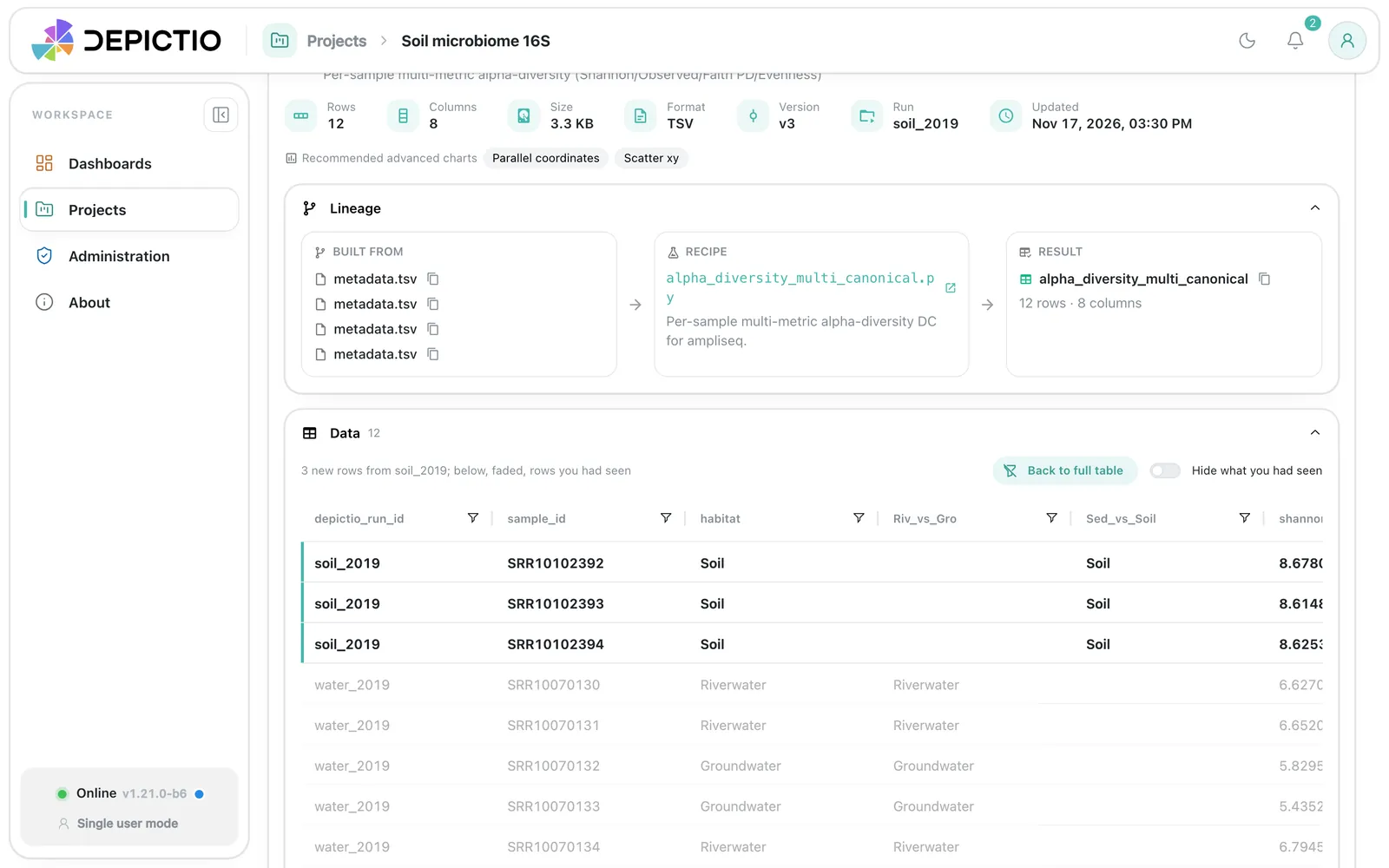
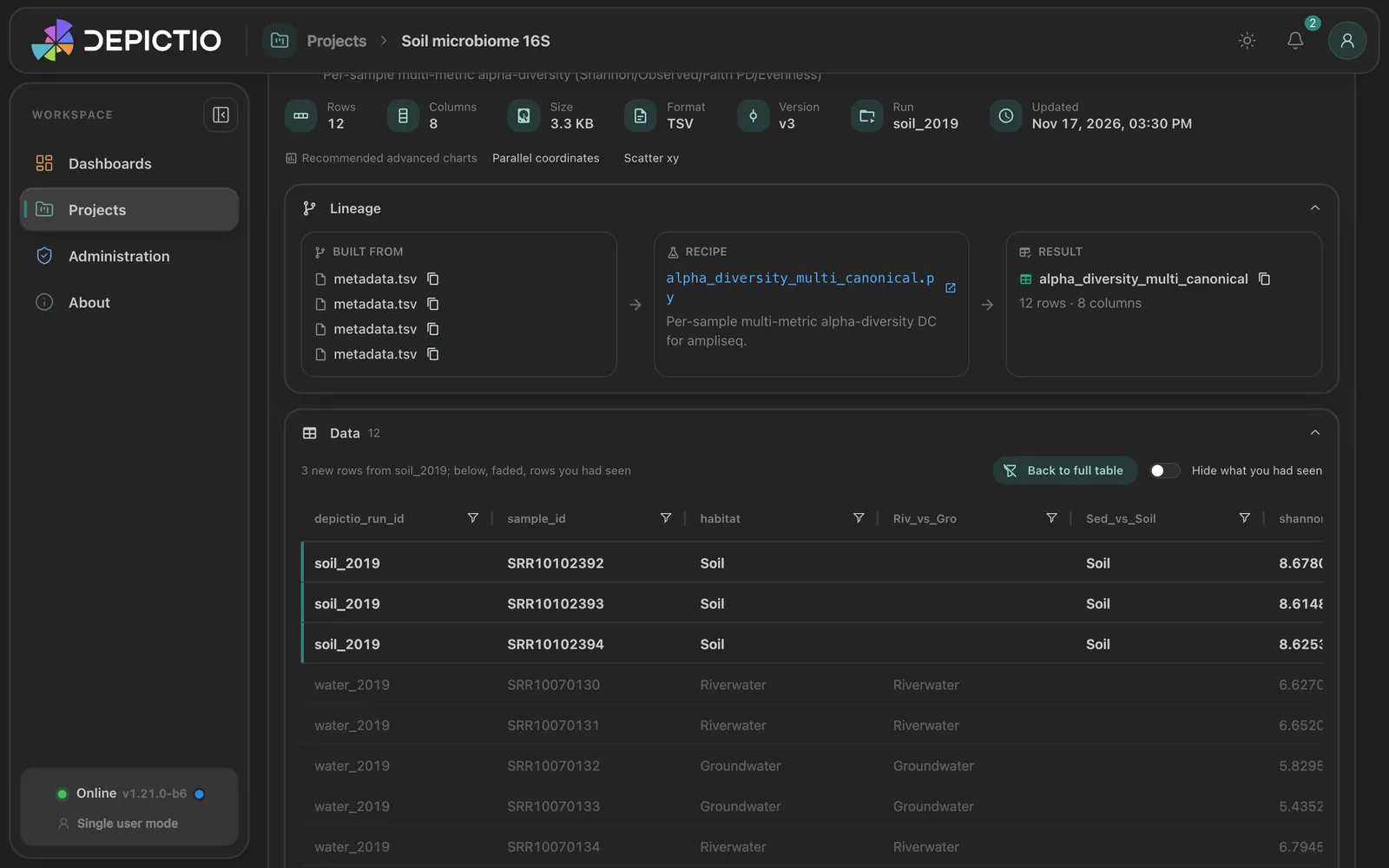
View rows in Produced, or Open in project in the "What's new" panel, opens the collection's Data table read-only at ?table=<collection>&new_runs=<runs>. The new rows come first and are marked, the rows you had seen follow, faded. Hide what you had seen drops them, Back to full table returns to the plain table.
Data refresh
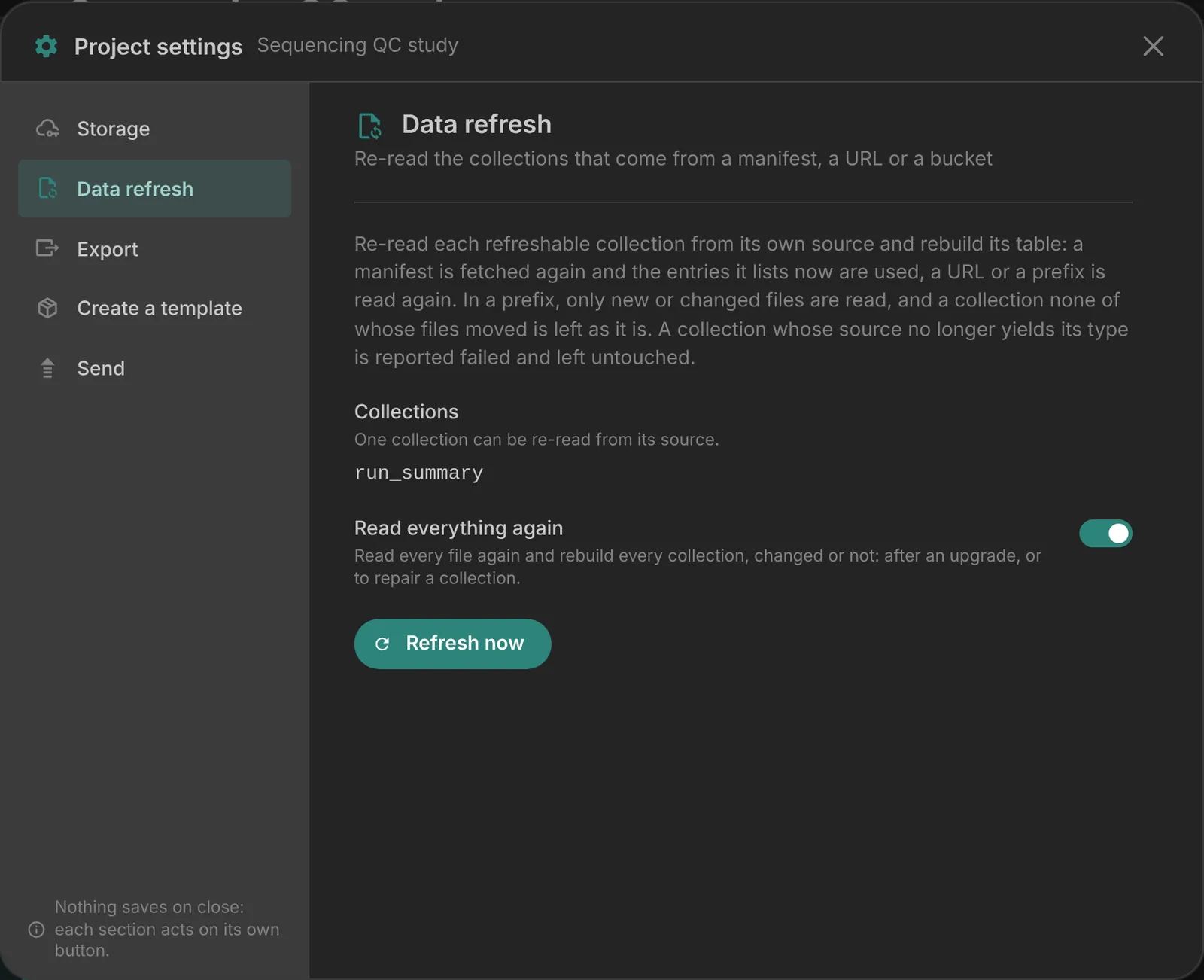
Project settings → Data refresh reads again a collection the server can reach: one from a manifest, a URL or a bucket prefix. Pick a collection, or leave the field empty to refresh them all, then Refresh now. Data ingested from a local folder is refreshed with the CLI (depictio ingest).
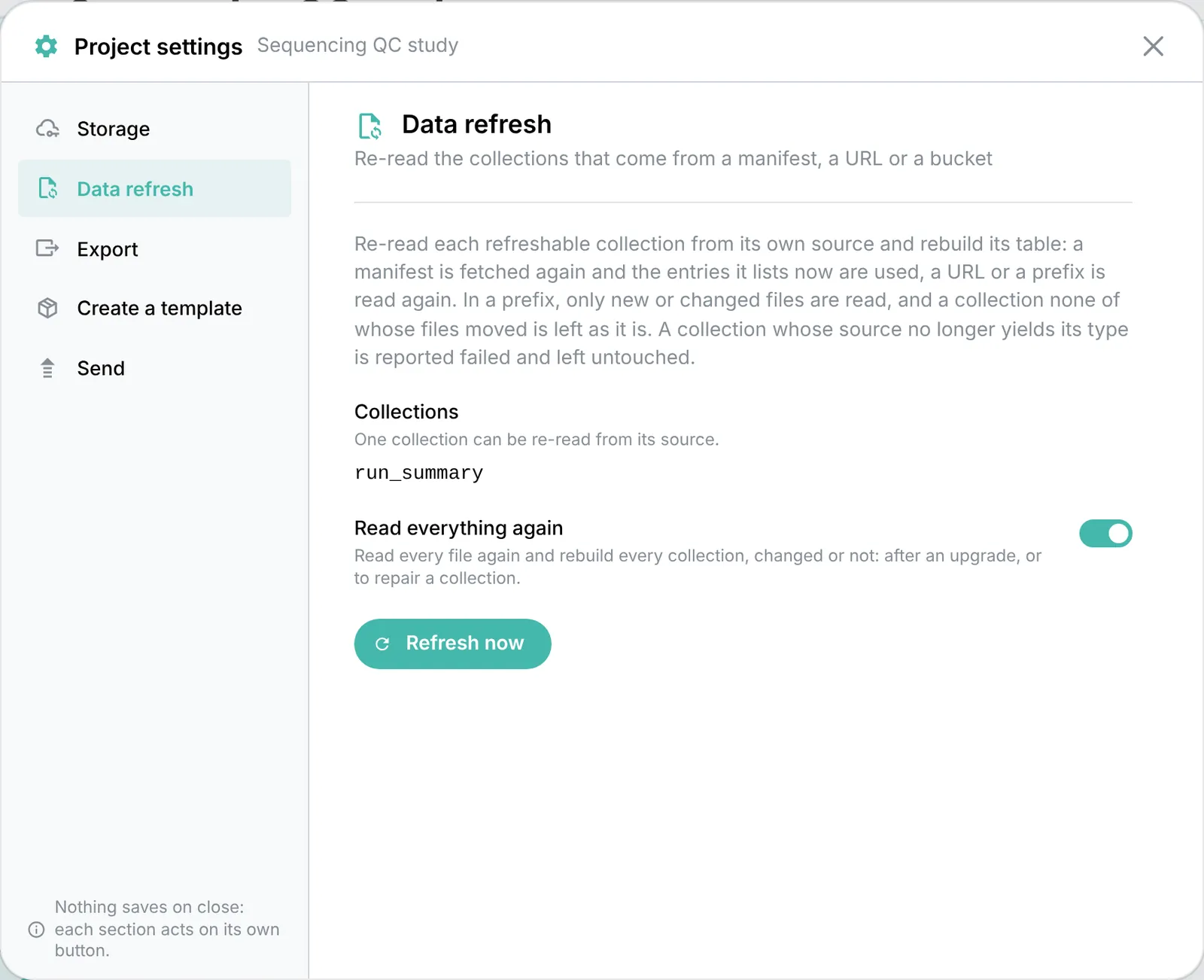
By default a refresh reads only what changed:
- the new and changed files are read, the files that are gone are dropped;
- a collection whose files and configuration match its last successful refresh is skipped;
- a MultiQC report whose source did not change is kept, and a rewritten one records what it gained or lost.
Read everything again reads every file and rebuilds every collection, changed or not: after an upgrade, or to repair a collection. When the refresh ends, Reload project shows the result.
Manifest and URL collections are read again on every refresh: their hash names the source, not its content. A refresh that rewrites identical rows writes a commit, but "What's new" does not count it.
The Activity tab
The project's Activity tab has two views:
| View | Shows |
|---|---|
| Latest ingestion | The report of the last ingestion |
| History | Ingestions, dashboard versions and comments, newest first. An ingestion opens onto its steps. The list refreshes every 3 seconds while one runs |
Where the server can read the project's files, Run ingestion beside the view switch starts an ingestion on the server and switches to History.
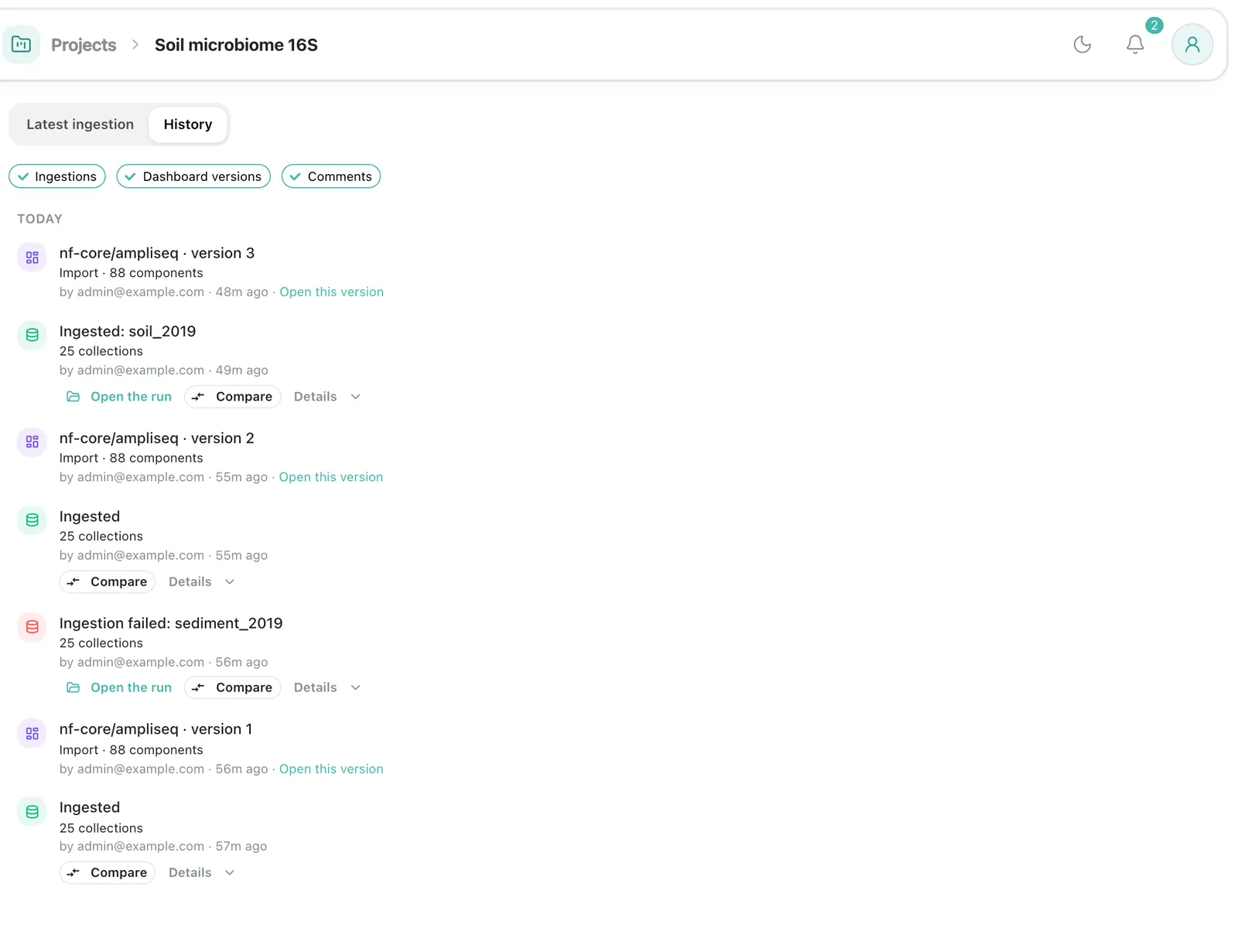
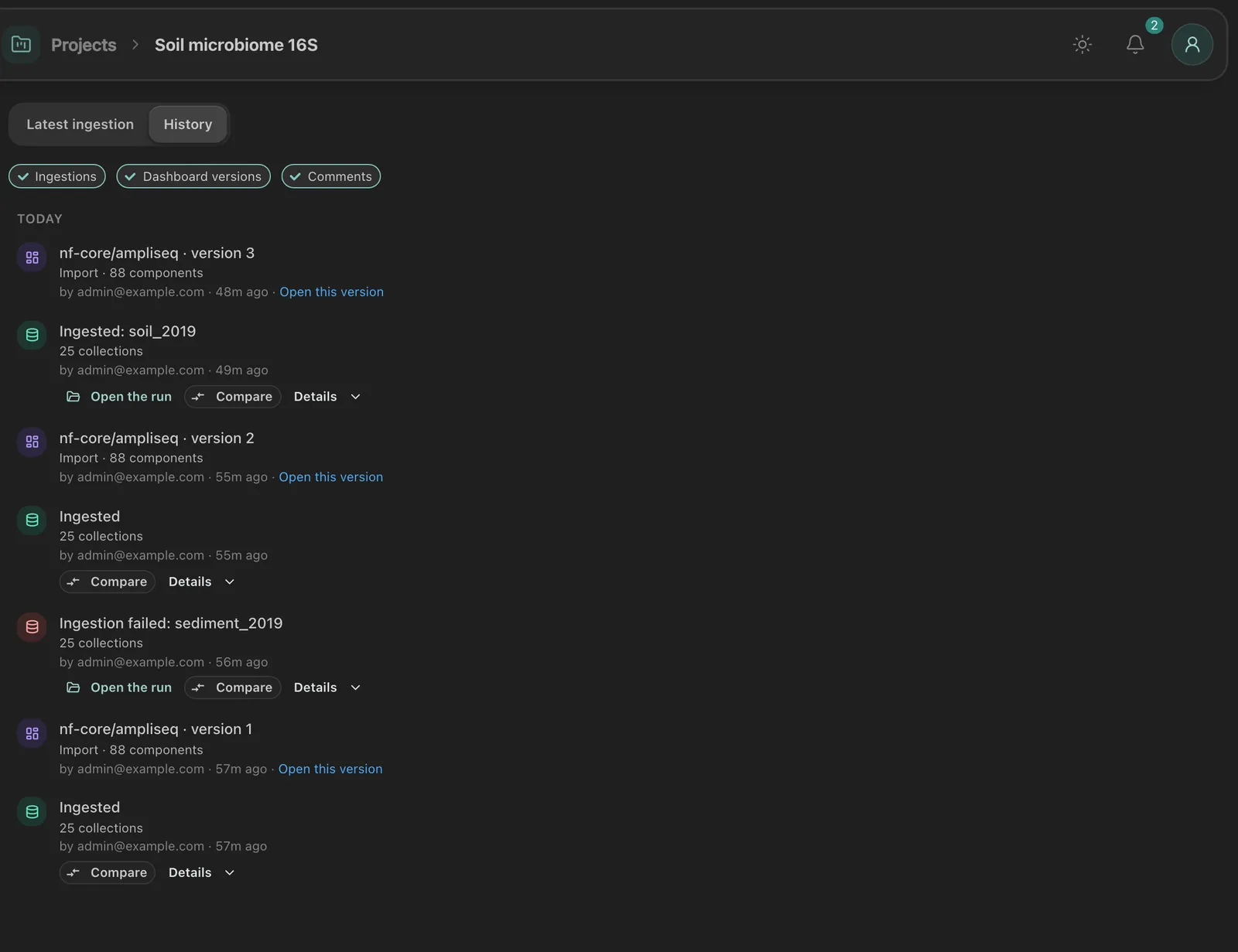
Activity replaces the Ingestion report and Timeline tabs. Old links (?tab=ingestion, ?tab=timeline, #ingestion, #ingestion-history) still open it. With "What's new" off, History is the list of ingestion runs it was before.
Limits
- A run ingested again in place changes rows under the same run tag. Before | Now shows it, Split does not.
- Run times use the server's local clock.