Component export and embedding (v1.17.0+)
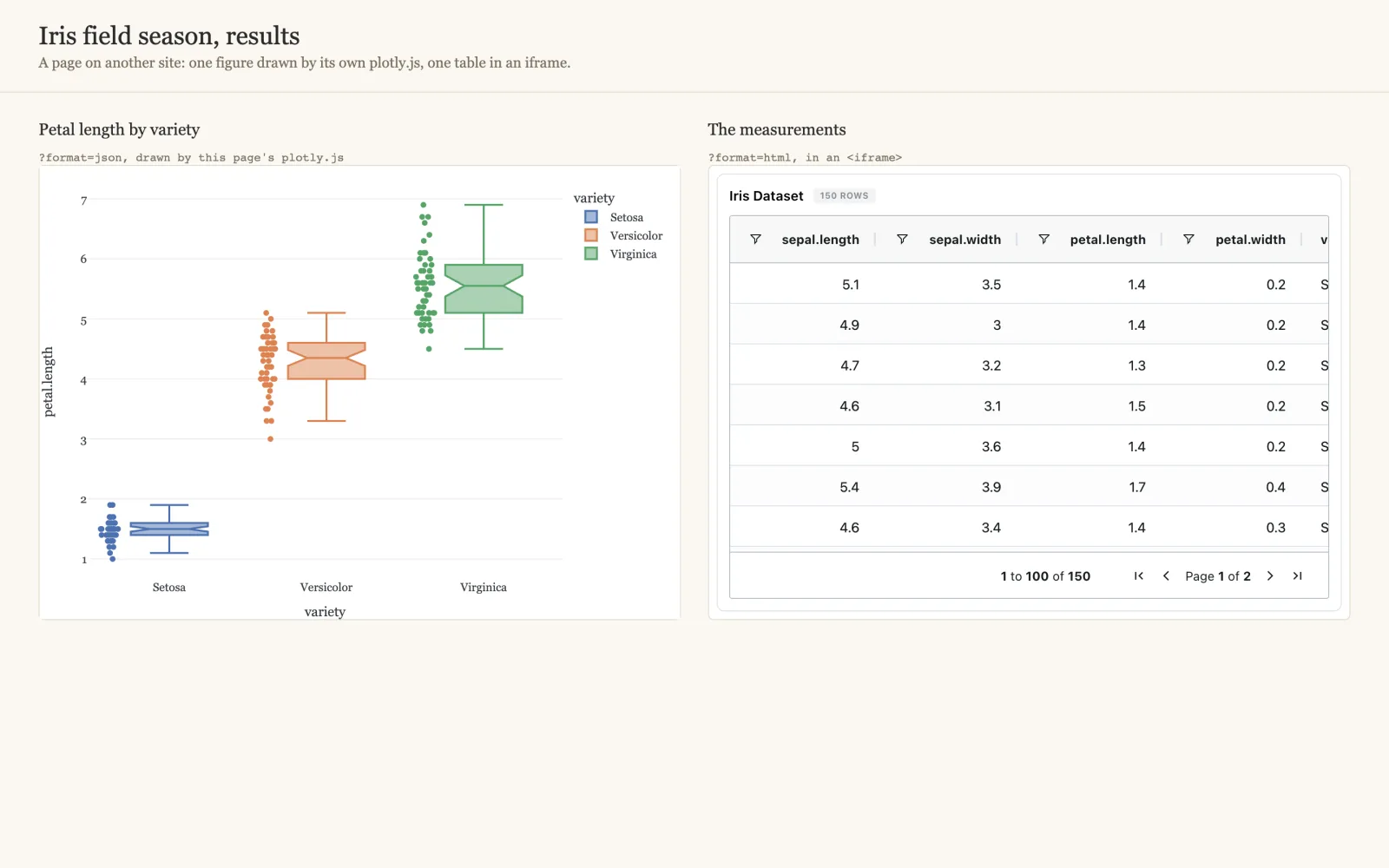
A component of a dashboard can be served to another website, live, in one of two formats:
- Plotly spec (JSON):
{data, layout, config, meta}, drawn by the site's own plotly.js and styled like the rest of its page. - Embeddable page (HTML): one self-contained page running Depictio's own renderer,
for an
<iframe>or to keep as a file. It makes no network call once loaded.
Both read the dashboard as it is now, with its latest data: the link always returns the current state of the component.
| You want to | Where |
|---|---|
Get the link, curl or snippet for one component |
The tile's Export / embed action |
| Know which components export in which format | GET …/export/dashboards/{id}/components |
| Turn the feature on, or let a site frame the pages | DEPICTIO_FASTAPI_EMBED_* |
Turning it on
The export API is off by default: serving embeds relaxes the framing protections on its path, and lets callers without a token read public projects. An administrator turns it on in the server's environment:
| Variable | Default | |
|---|---|---|
DEPICTIO_FASTAPI_EMBED_ENABLED |
false |
Serve the export routes and show Export / embed on the tiles. Off, every route answers 404 with code: embed_disabled |
DEPICTIO_FASTAPI_EMBED_ALLOWED_ORIGINS |
empty | Sites allowed to frame an exported page, comma-separated (https://lab.example.org). They become the page's CSP frame-ancestors and may also fetch the JSON format from a browser. Empty: the pages open on their own but no site can frame them. * is refused |
DEPICTIO_FASTAPI_EMBED_CSP_UNSAFE_INLINE |
false |
Allow inline scripts in the exported page instead of listing the hashes of its scripts. Only for a bundled script that cannot be hashed ahead of time |
The Helm chart (backend.env), both compose files and .env.example carry the first
two, and depictio local up passes them on from the shell that starts it:
The HTML format needs the embed bundle
The page is built from a prebuilt bundle, depictio/viewer/dist-embed/embed.html.
The Docker images include it. The Python package does not yet, so on a server
installed with pip or uv tool (depictio local included), format=html answers
503 with code: bundle_unavailable while the JSON format works. From a checkout,
cd depictio/viewer && pnpm run build:embed builds it.
From a tile
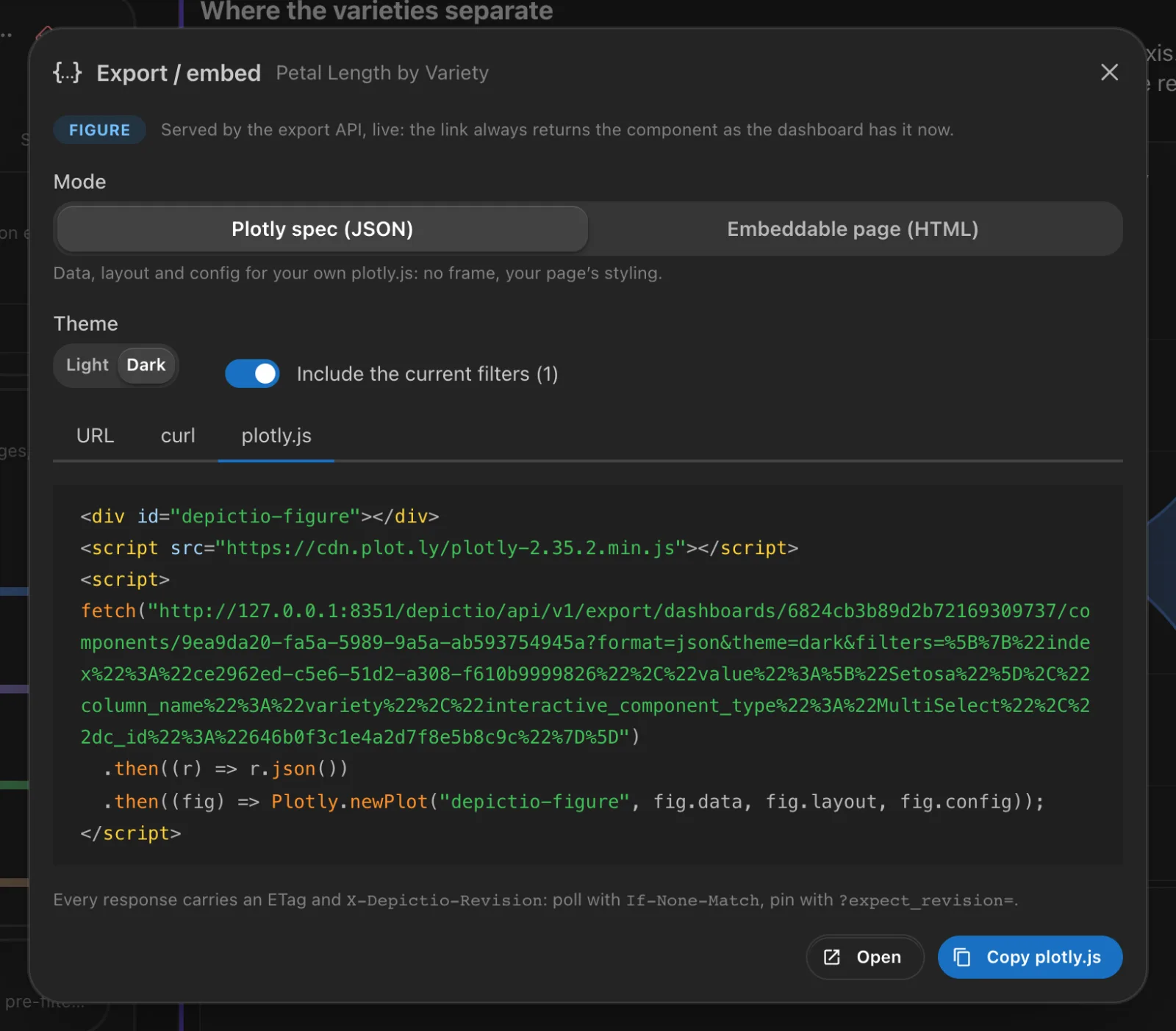
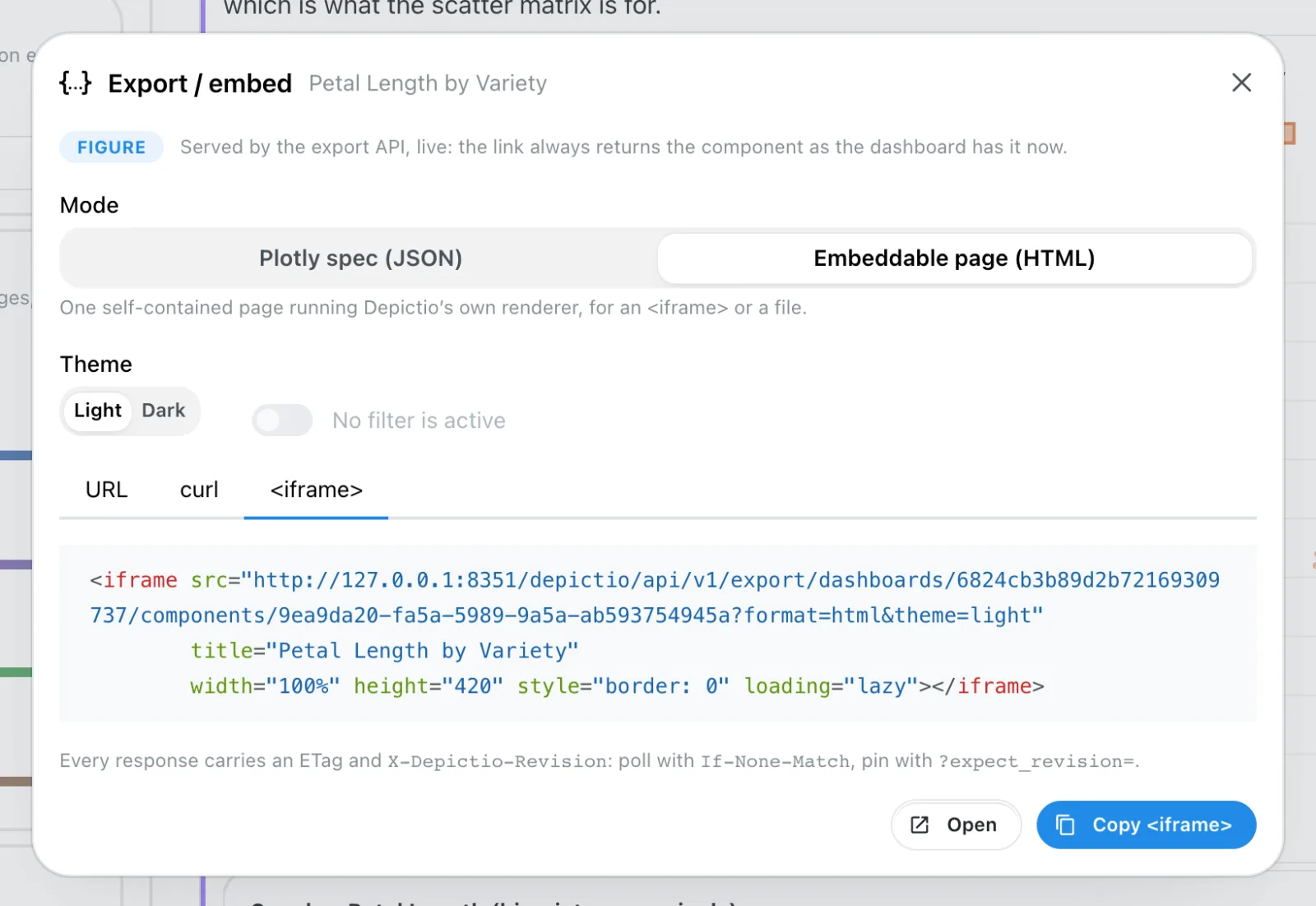
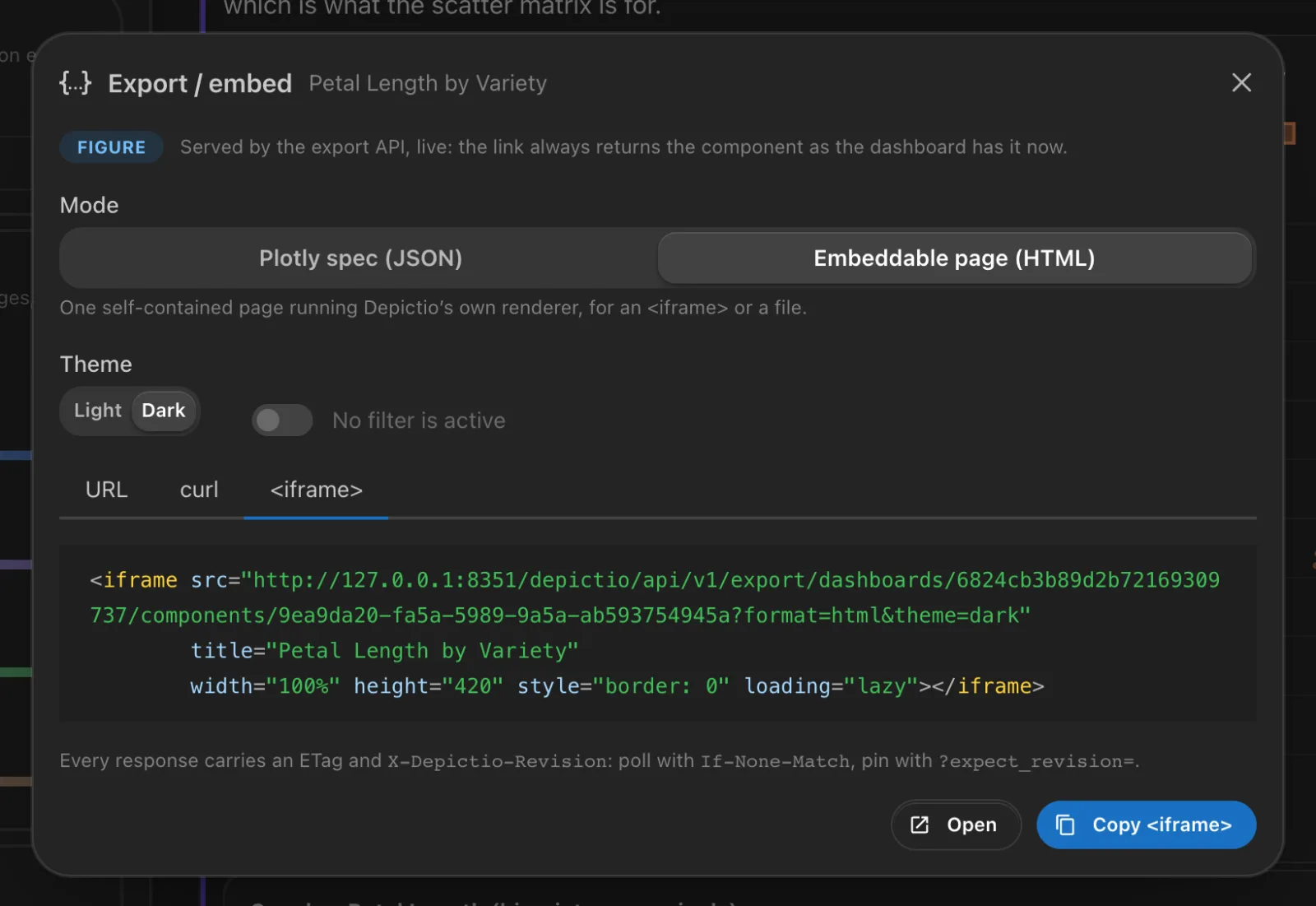
While the API is on, every tile of the viewer has an Export / embed action, among the actions shown when the pointer is over it.
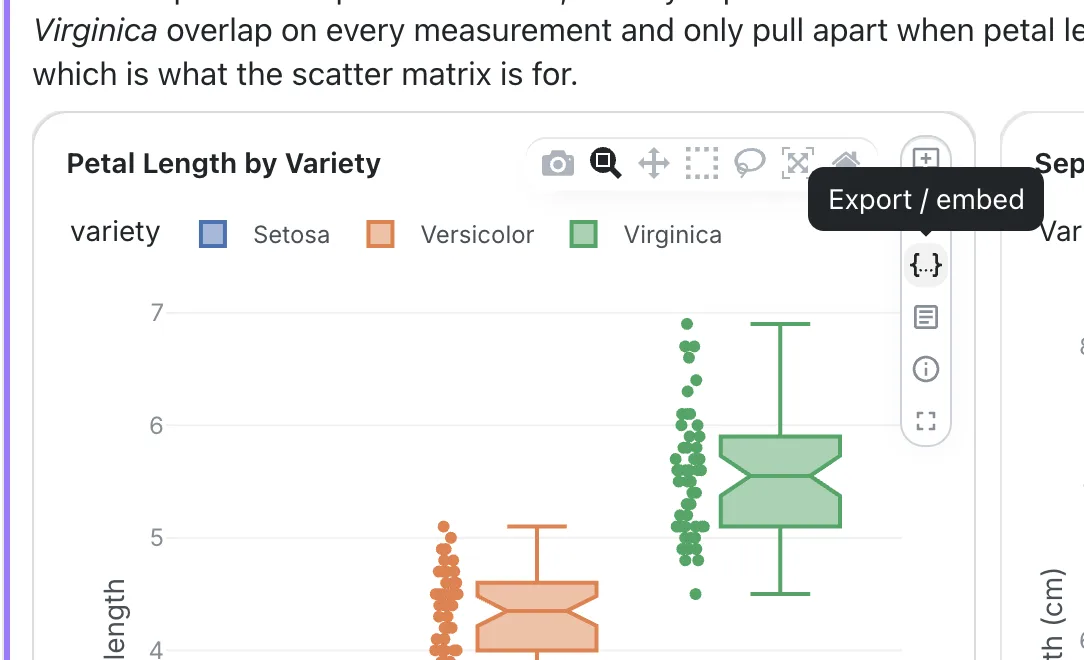
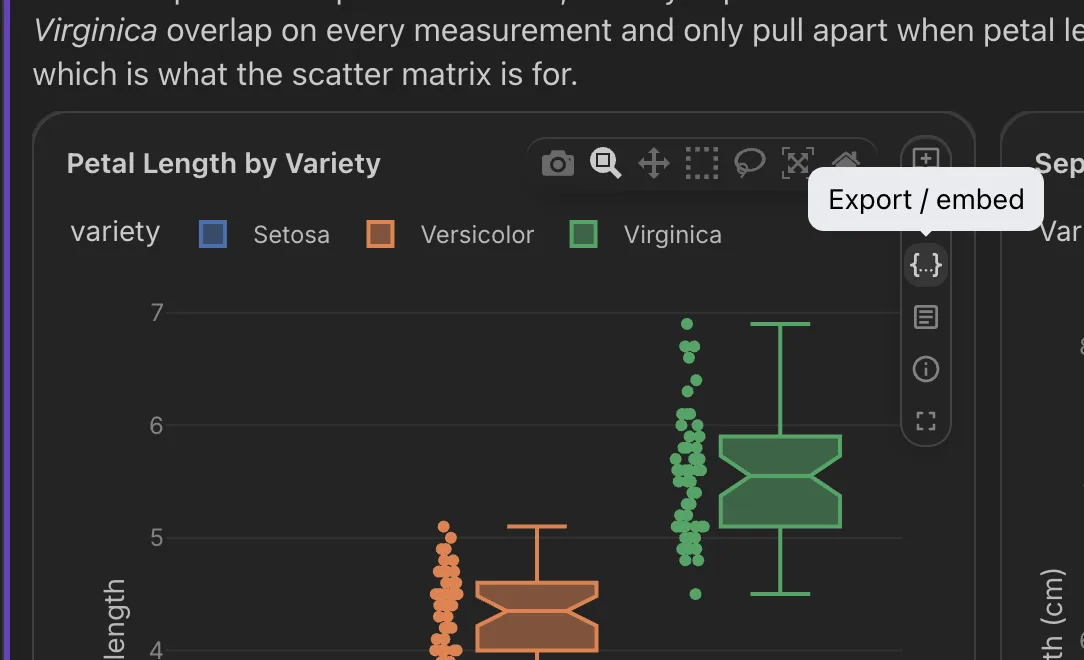
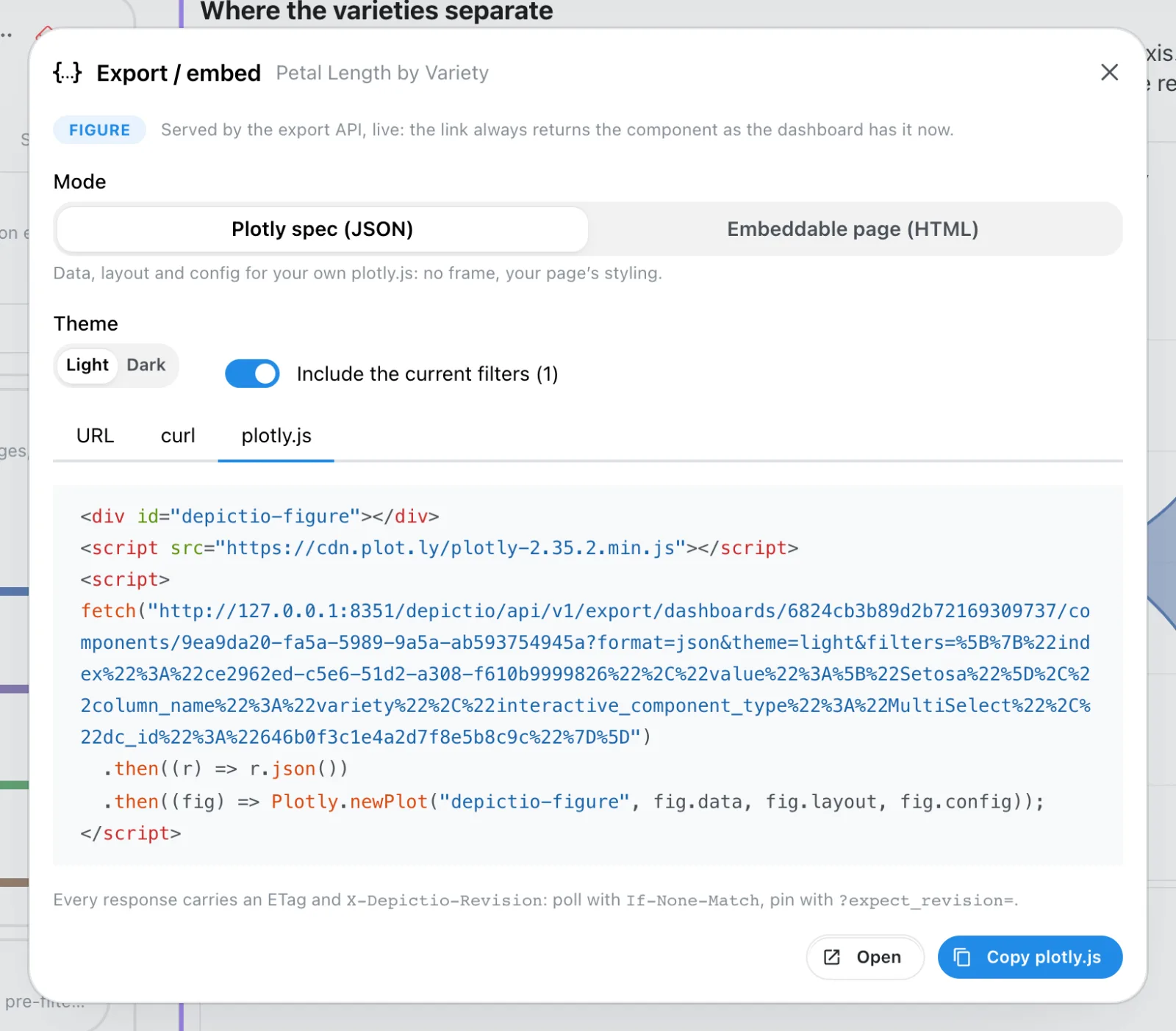
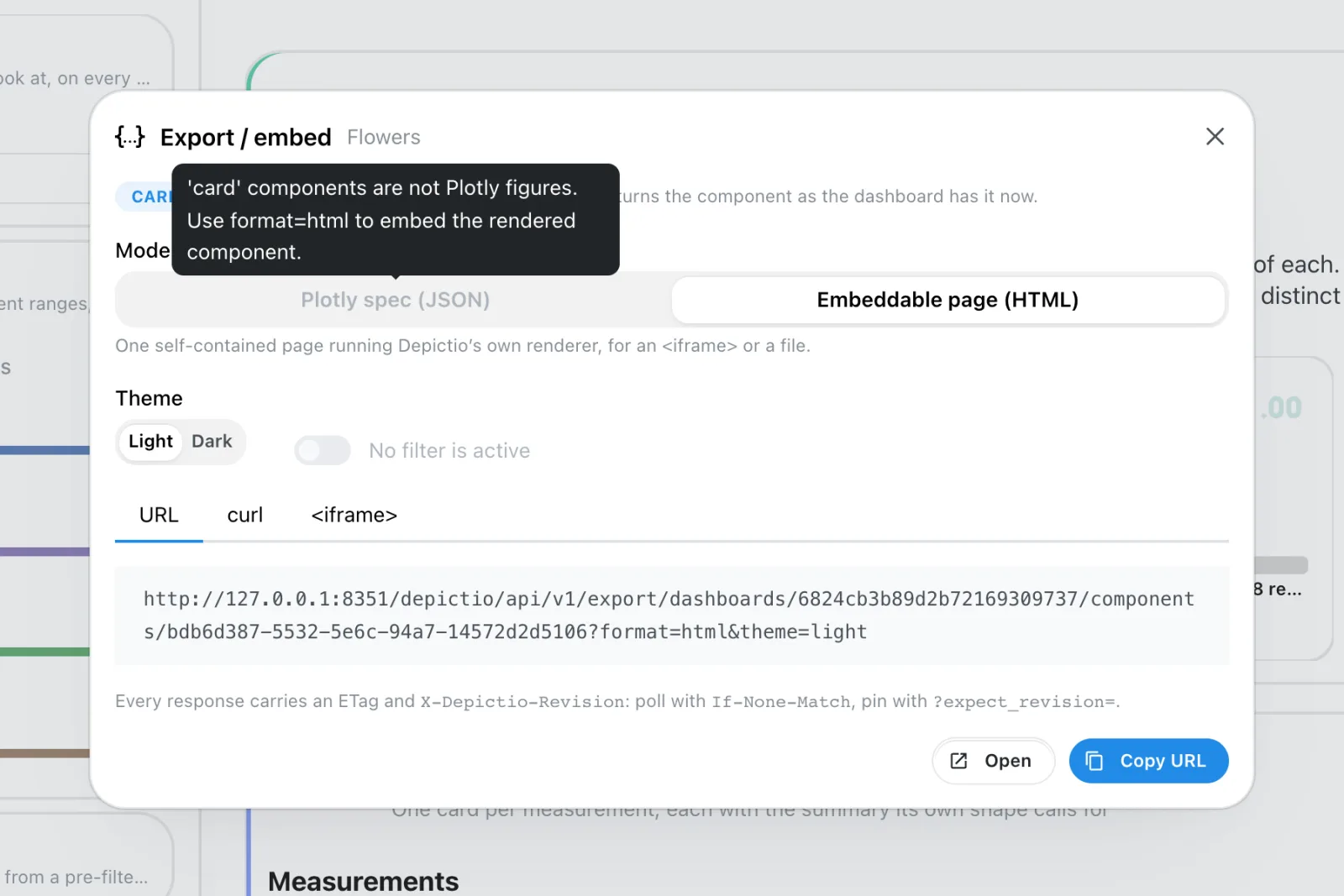
The action opens a dialog that names the component and its type, then offers:
- Mode: Plotly spec (JSON) or Embeddable page (HTML). A mode the component does not have is greyed out, and its tooltip says why. The dialog opens on JSON when the component has it.
- Theme: light or dark.
- Include the current filters (N): the filters active on the dashboard, carried in the link. Without it, the export draws the component unfiltered.
- Snippets: the URL, a
curlcommand, and aplotly.jssnippet for JSON or an<iframe>for HTML, with Open and Copy. Past 2000 characters, thecurlcommand switches to thePOSTform.
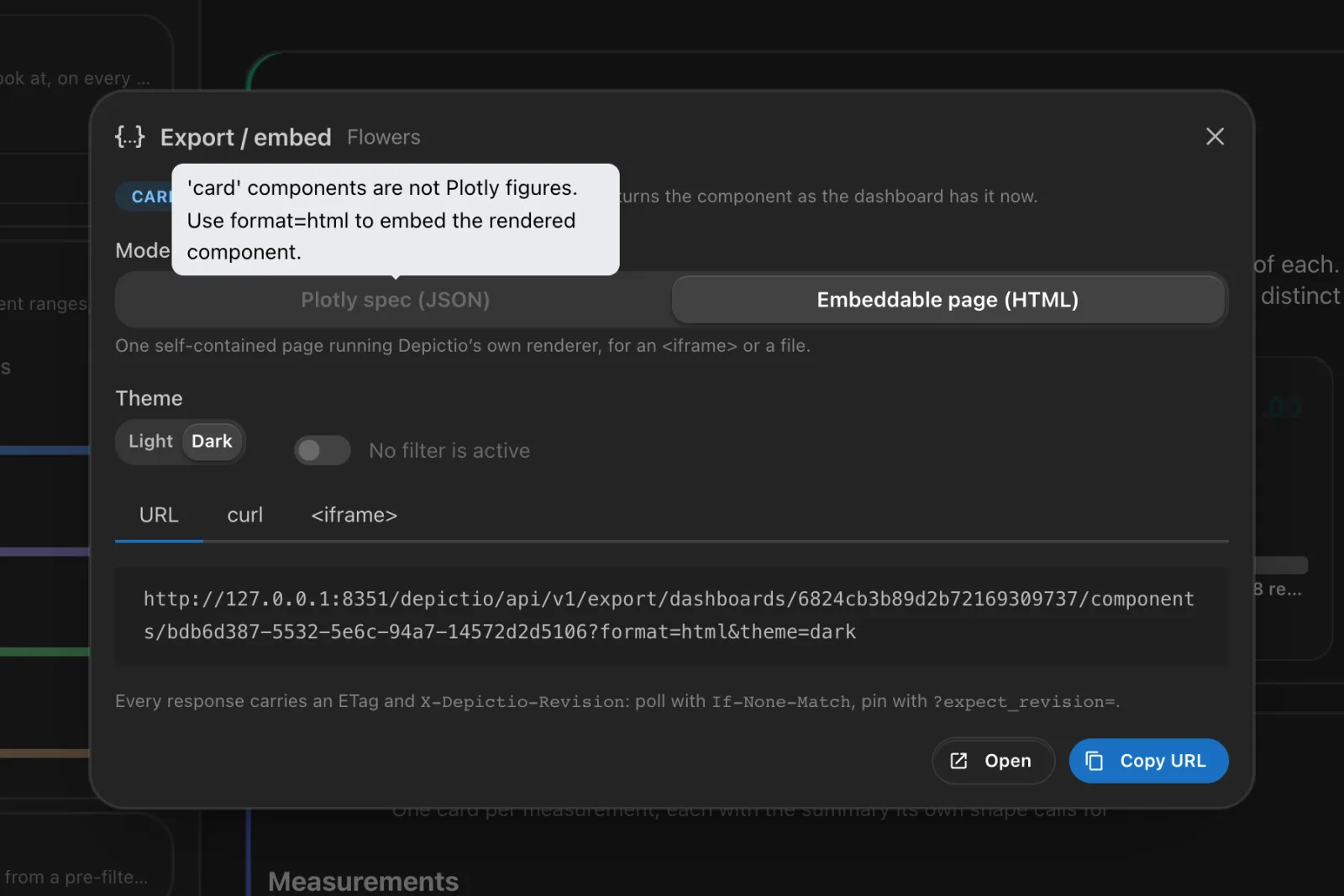
The dialog warns when a link will not work as is:
- Private project: the link answers
403without a token. The snippets sendAuthorization: Bearer $DEPICTIO_TOKEN, to be replaced with a long-lived token from Account settings → CLI agents. Your own session token never goes into a snippet. An<iframe>cannot send a token, so embed a page from a public project. - No site may frame this page yet:
DEPICTIO_FASTAPI_EMBED_ALLOWED_ORIGINSis empty.
There is no Export / embed on filter controls, on JBrowse tiles, or while a past version is shown, since the export always serves the current dashboard. A tile of a section shown on every tab exports from the tab that owns it.
What exports how
| Component | JSON | HTML |
|---|---|---|
| Figure, map | ||
| MultiQC | ||
| Advanced visualization | some kinds, see below | all but three kinds |
| Table, card, image, text, filter control | ||
| JBrowse | ||
| Highlight |
- JSON needs a figure the server can build in Python. For advanced visualizations
that is the complex heatmap, UpSet plot and Sankey, and the volcano (with its MA and QQ
views), embedding, Manhattan, stacked taxonomy, differential abundance bar plot,
sunburst, the dot plot's enrichment view and the four benchmarking kinds. The other
kinds answer
501, with the URL of their HTML page inhtml_url. - HTML runs the viewer's renderer, so every component it draws in the browser renders the same way. Three advanced visualizations have no offline page: the genome view, the contact map and group comparison, which fetch or compute data as you zoom or select, and neither has a tile saved on a GenomeSpy view.
- JBrowse is a frame onto a live JBrowse server, and a highlight draws another tab's component: export that one instead.
The manifest says the same for a given dashboard, per component, with the reason for any missing format. Read it rather than hardcoding the table.
The API
All routes are under /depictio/api/v1/export:
| Route | Returns |
|---|---|
GET /dashboards/{dashboard_id}/components |
The manifest: every component with its component_id, type, viz_kind, title, formats, and json_unavailable_reason or html_unavailable_reason |
GET /dashboards/{dashboard_id}/components/{component_id} |
The component in one format |
POST /dashboards/{dashboard_id}/components/{component_id} |
The same, with filters, theme and controls in a JSON body, for filters too long for a URL |
Parameters of the GET:
| Parameter | |
|---|---|
format |
json (default) or html |
theme |
light (default) or dark |
filters |
A URL-encoded JSON array of filters, see below |
controls |
A URL-encoded JSON object of the component's own controls, such as {"view": "ma"} for a volcano saved on another view. Without it, the component draws as it was saved |
expect_revision |
The revision this caller was built against. If the component or its data has changed since, 409 instead of a different result |
BASE=https://depictio.example.org/depictio/api/v1/export/dashboards/$DASH

# What this dashboard can export
curl -s "$BASE/components" | jq '.[] | {component_id, component_type, formats}'

# One figure as a Plotly spec, one table as a page
curl -s "$BASE/components/$FIGURE?format=json" | jq '.meta'
curl -s "$BASE/components/$TABLE?format=html" > table.html
<iframe src="https://depictio.example.org/depictio/api/v1/export/dashboards/DASH/components/CID?format=html"
        width="100%" height="420" style="border: 0" loading="lazy"></iframe>
Filters
Each filter control of a dashboard is in the manifest with a filter entry: the column it
filters, its type and the kind of control. With ?include_filter_options=true, the entry
also carries the values the control offers, distinct values or a min and max, so a host
page can build its own control. This option reads every filtered column, which is why it
is off by default.
{
  "component_id": "ce2962ed-…",
  "component_type": "interactive",
  "title": "Variety",
  "formats": ["html"],
  "filter": {
    "interactive_component_type": "MultiSelect",
    "column_name": "variety",
    "column_type": "object",
    "options": {"kind": "categorical", "values": ["Setosa", "Versicolor", "Virginica"]}
  }
}
A filter sent to the export is that entry with a value: a list of values for a select,
[min, max] for a range.
curl -sG "$BASE/components/$FIGURE" --data-urlencode format=json \
  --data-urlencode 'filters=[{"column_name": "variety", "interactive_component_type": "MultiSelect", "value": ["Setosa"]}]'
meta.filter_applied in the JSON says whether filters were sent.
Caching and pinning
Every response carries a weak ETag and an X-Depictio-Revision header, both readable
from JavaScript on another site, and the JSON repeats the revision in meta.revision. The
revision changes when the dashboard's content changes or when a collection the component
reads is ingested again.
- Send
If-None-Matchwith theETagto get a304while nothing changed. - Send
?expect_revision=with ameta.revisionto get a409(code: revision_mismatch) instead of a component that has moved on.
Access
The export applies the dashboard's permissions, in every authentication mode:
- a public project's components export without a token;
- a private project's need a bearer token of a user who can view it. Without one, the caller is always an anonymous non-admin, even on a single-user server, so only public projects are readable.
Errors
| Status | When |
|---|---|
400 |
filters, controls or theme is not valid |
403 |
A private project without a valid token |
404 |
The export API is off (embed_disabled), or no such dashboard or component |
409 |
expect_revision no longer matches (revision_mismatch) |
422 |
The component has no such format (unsupported_export) |
501 |
JSON for an advanced visualization drawn only in the browser. html_url points to its page |
503 |
The HTML bundle is missing (bundle_unavailable), or a MultiQC figure is still being prepared |
Limits
- Live only. The export serves the current dashboard and its latest data, and takes no version. The action is hidden while a past version is shown.
- Saved controls. An advanced visualization's thresholds, top-N or view are read from
its saved settings, not from what a viewer has changed in their browser. Pass
controlsfor another state. - Linked filters. Without a token, a filter on one data collection does not reach components of another collection through a cross-DC link. Authenticated exports follow the links.
Behind your own reverse proxy
The exported page sets its own Content-Security-Policy and leaves out
X-Frame-Options, so that the listed sites can frame it. A proxy that adds either header
to every response defeats that: browsers enforce every CSP they receive, so a site-wide
frame-ancestors 'self' blocks the embed. The nginx configuration of the Docker images has
a separate location for /depictio/api/v1/export/ for this reason. A proxy of your own
needs the same exception.