Administration
Running a Depictio deployment: moving and protecting its data, watching its work, and shaping it for your users.
-
Project migration
Move a project, its data and dashboards, to another instance.
-
Backup and restore
Snapshot and restore the database, from the admin panel or the CLI.
-
Monitoring
Celery tasks, ingestion runs, watchers, logs and worker health.
-
Branding
The deployment's own logo, name, colours, typography and figure palette.
-
Groups
Share projects with a whole lab, run by its group admins.
-
Activity page
Tasks and ingestion runs of your projects, without admin rights.
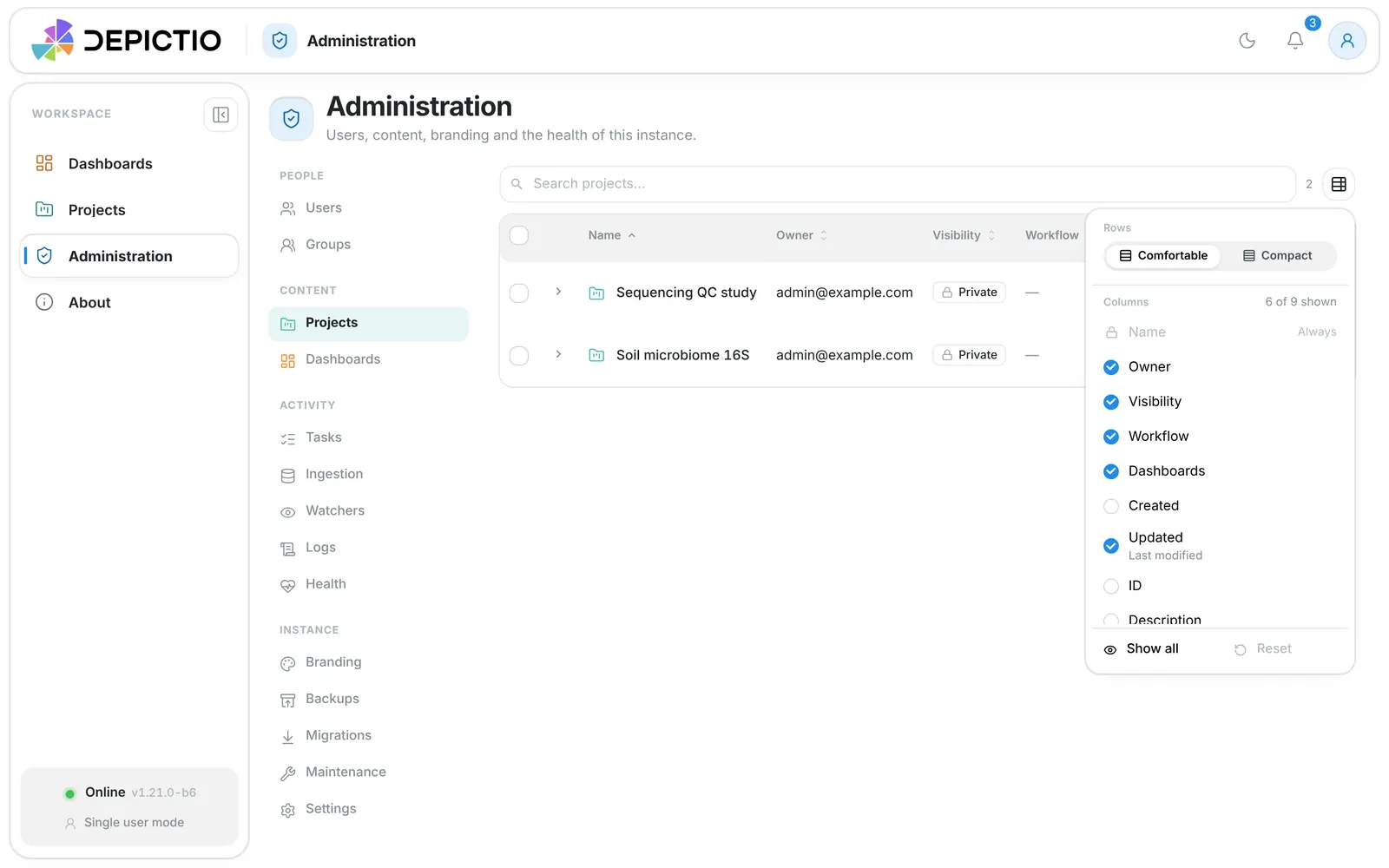
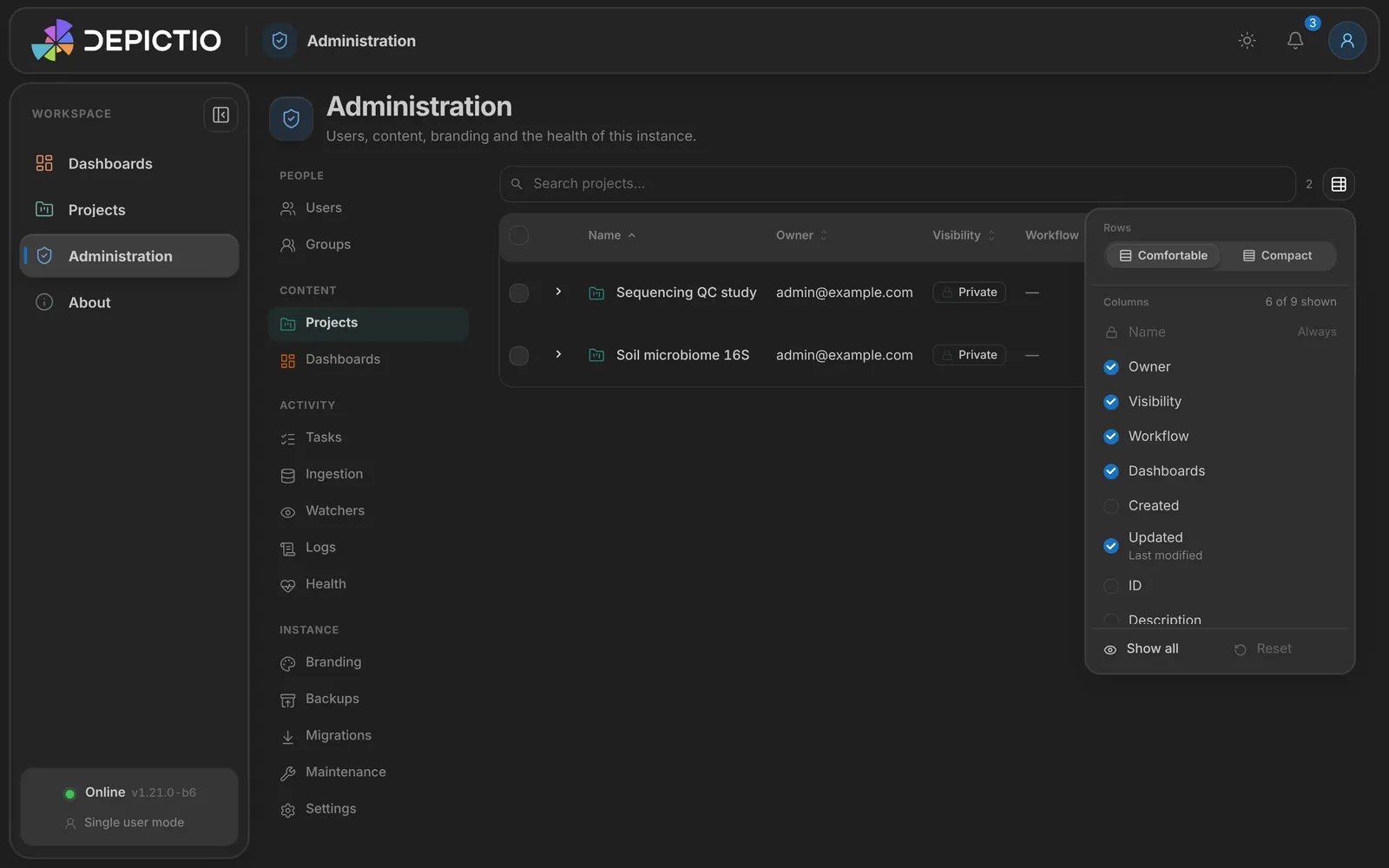
Admin tables (v1.21.0+)
Projects, Dashboards and Users in the admin panel are tables with search, sort, a column chooser and row actions. Select several rows to delete them in one go, and switch to the compact Rows mode to see more on screen.
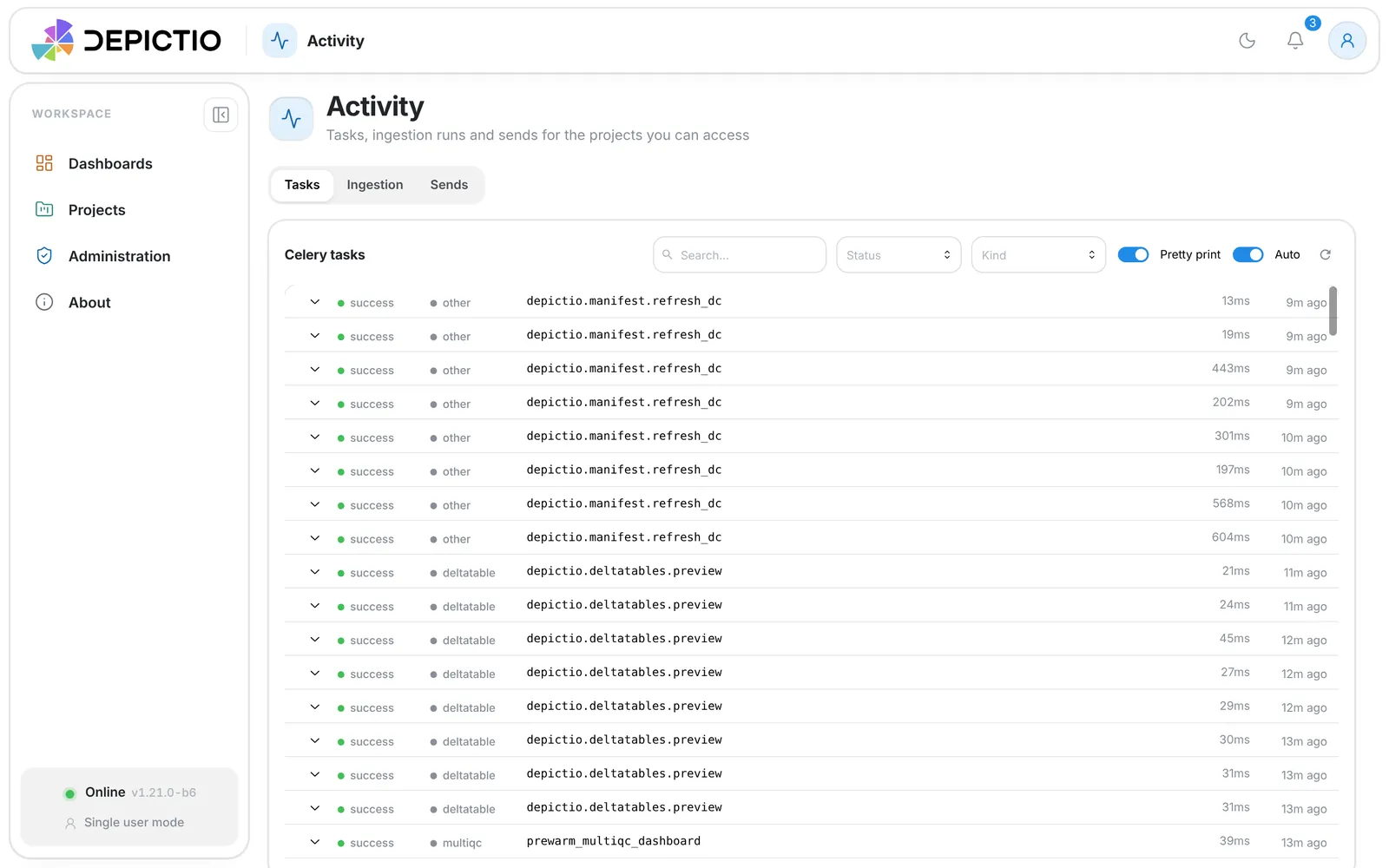
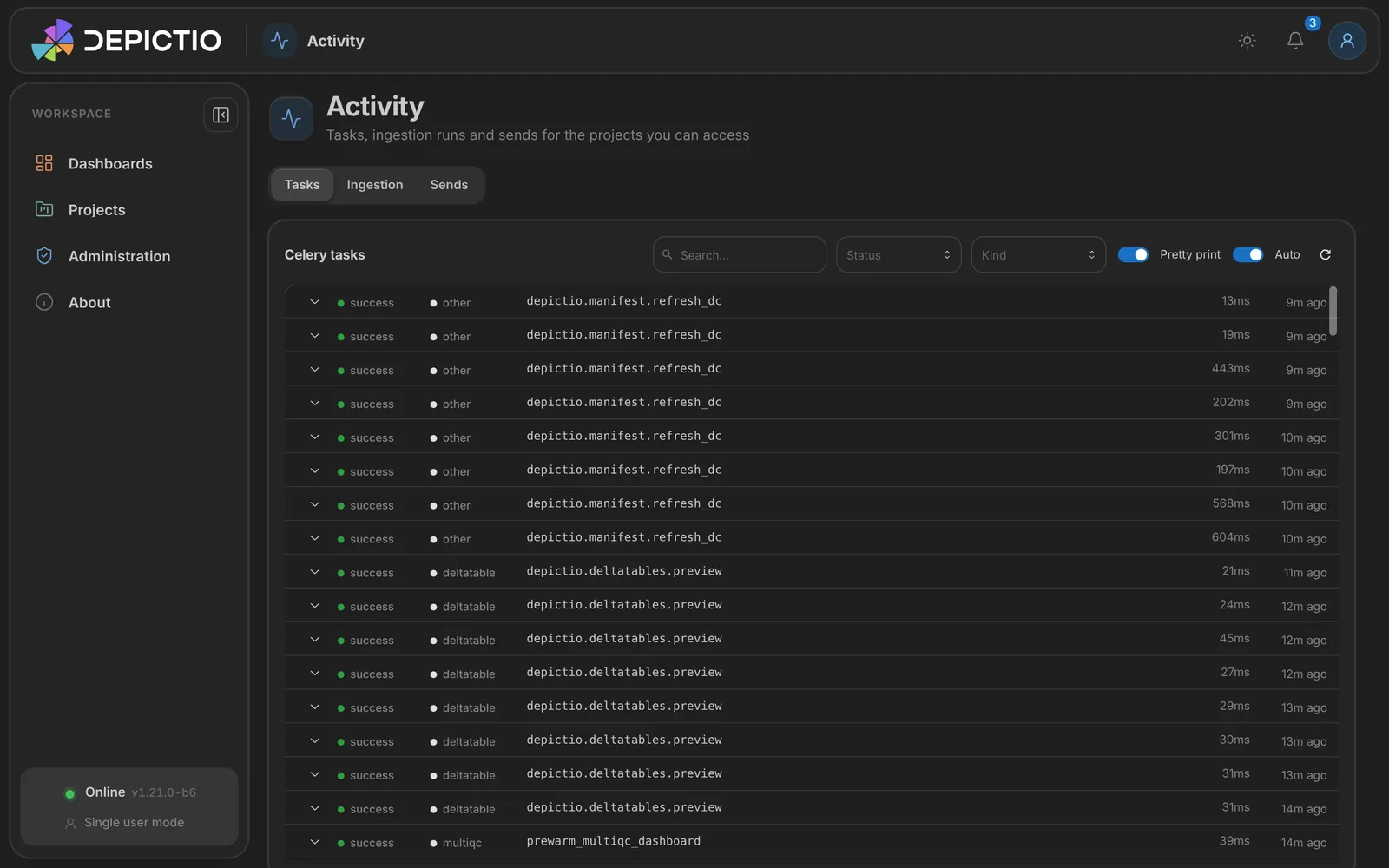
Activity page (v1.21.0+)
/activity lists the tasks, ingestion runs and agents of the projects you belong to, without admin rights. Owners and editors see the full detail. Viewers see a redacted version. Logs stay admin-only, in Monitoring.